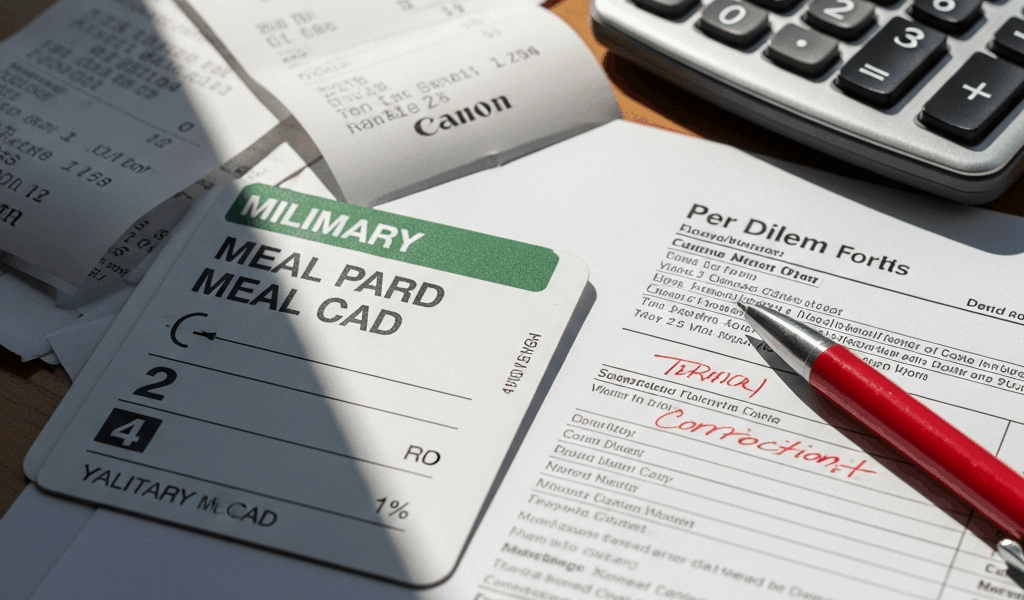
TDY Meal Rates Have Gotten Complicated—And the Mistakes Are Costly
As someone who nearly lost $48 on a single TDY voucher, I learned everything there is to know about meal rate errors the hard way. Three days before my approving officer signed off, I caught it. The voucher showed $55 instead of $63, and I’d almost let it slide because I assumed DTS had done the math right. Spoiler: it hadn’t. Today, I’ll share everything I know so you don’t end up filing a supplemental over something entirely preventable.
If you’re staring at a DTS voucher right now with numbers that look wrong — that’s the specific problem this article is for. Not vague per diem confusion. Not general travel policy questions. The dollar-amount-is-wrong-right-now problem. That’s what we’re dealing with here. So, without further ado, let’s dive in.
Why Your Meal Rate Looks Wrong in DTS
There are exactly three reasons your meal rate appears incorrect in DTS. One of them is probably yours.
Locality Mismatch
But what is a locality mismatch? In essence, it’s when DTS pulls the meal rate for the wrong city entirely. But it’s much more than a simple typo — the system defaults to whatever duty location lives in your records, not your actual TDY destination.
Fort Bragg to San Diego is a massive rate difference. Fort Bragg sits around $55 per diem. San Diego — a high-cost locality — runs $68. DTS defaulted to your home station rate, and nobody caught it before the voucher hit your screen. That’s what makes this particular error so frustrating to those of us who’ve dealt with it.
Open your voucher. Pull up the travel details section. Verify the meal rate matches the TDY location, not where you normally work. The JFTR publishes rates by zip code and city. If what you’re seeing doesn’t match San Diego’s official rate, flag it immediately — at least if you want to avoid a supplemental voucher later.
Government Dining Facility Deduction Applied Automatically
DTS flags certain installations as having available dining facilities and automatically subtracts a government meal deduction — GOMEZ — from your per diem without asking you first. Your voucher might show a lower meal rate because this deduction was already baked in. Some soldiers never realize they can dispute it.
Partial Travel Day Calculation
You traveled on day one and returned on day five. Meal rate for those partial days: 75 percent instead of 100 percent. You expected the full $63. You got $47.25. That’s not an error — it’s policy — but you need to verify it landed on the correct days and not the wrong ones entirely.
How Government Meal Deductions Actually Work
Frustrated by a GOMEZ deduction that cut my per diem without warning, I spent two hours on the phone with finance using nothing but a printout of my voucher and a very bad attitude — only to learn the rule exists for a reason, and that I could have challenged it the whole time.
When a government meal is available at a DFAC, the Army reduces your per diem to account for that subsidized meal. Standard GOMEZ deduction: roughly $3.50 per meal, applied to each meal period you’re entitled to. TDY for four days with three of those days near a dining facility? That’s nine meals at $3.50 each — $31.50 off your total. The system applies this automatically when your installation code matches one on the government dining facility list. Fort Campbell? DFAC available. Automatic deduction. You didn’t opt in. DTS just did it.
But here’s what most soldiers miss: the deduction only applies if you actually had access to that dining facility during your specific TDY window. Holiday weekend with the DFAC closed? Off-base lodging during renovation? Facility simply not operational those dates? You can dispute the deduction.
Document when the dining facility was unavailable. Screenshot it. Email the dining facility manager. Get a written statement. Attach everything to your voucher correction before submission. Finance will accept a well-documented waiver request before approval. After approval, it becomes a supplemental — slower, messier, more annoying for everyone involved. Don’t make my mistake.
Fixing a Wrong Meal Rate Before Your Voucher Is Approved
You caught the error. The rate is genuinely wrong. Now fix it while you still can — at least if you want to avoid the supplemental process entirely.
Open DTS. Navigate to the Voucher Management screen. Select Edit Voucher. The system shows you the current meal rate. Find the Itinerary or Travel Details section — that’s where the per diem calculation actually lives. Click in.
Verify three things. The TDY destination city is correct. The meal rate matches the official JFTR rate for that city and calendar year. The deductions are accurate — no automatic GOMEZ if the DFAC was closed on your dates.
Changing the destination city might be the best option here, as DTS will auto-populate the correct meal rate once you confirm the new city. That is because the rate table is tied directly to the city code, not entered manually. If the rate still looks wrong after that, check the fiscal year. Rates change annually on October 1st. A TDY spanning September 30th to October 2nd means two different rates in one voucher — and DTS doesn’t always handle that split gracefully.
To dispute a GOMEZ deduction, drop a note in the Remarks section. State the dining facility was unavailable and attach your documentation before hitting Submit for Approval. Your approving officer will see the note and the files. Most AOs will process a reasonable correction immediately rather than bounce it back. The window for editing closes once the voucher reaches the AO — after that, you’re in supplemental territory.
What To Do If the Voucher Already Processed With the Wrong Rate
You missed the window. The AO approved it. The wrong meal rate is locked into your DTS record and your finance account.
File a supplemental voucher. In DTS, it’s a separate document linked to your original — you’re not replacing anything, just submitting an additional claim for the difference between what you received and what you should have received.
Real example: original voucher paid $220 in meal per diem at the wrong rate. Correct amount should have been $268. Supplemental voucher claims the $48 difference. Finance processes supplementals in batches — usually 10 to 15 business days, though it can stretch to three weeks depending on workload. I’m apparently someone who always manages to submit during peak workload periods, and that three-week timeline hits me every single time while others seem to close out in ten days.
To file, navigate to New Voucher in DTS and select Supplemental as the type. Link it to the original voucher’s reference number. In the body, explain the discrepancy plainly — name the incorrect rate, name the correct rate, show the math. Attach JFTR documentation showing the official rate for your TDY location. A screenshot of the JFTR website works. An email from your AO acknowledging the error works. Your travel orders showing the actual destination work. More documentation means faster processing. That part isn’t complicated.
Partial Travel Days and the 75 Percent Rule Explained
Probably should have opened with this section, honestly. It’s simpler than the GOMEZ deduction but causes more confusion because the math looks wrong on first glance.
Depart Tuesday, return Saturday. Tuesday and Saturday are partial travel days — 75 percent of the daily meal rate. Wednesday through Friday are full days at 100 percent. Straightforward once you see the actual numbers.
Official meal rate: $63 per day. Tuesday: $47.25. Wednesday: $63. Thursday: $63. Friday: $63. Saturday: $47.25. Trip total: $303.75. The rule exists because you’re not eating three full meals on travel days — one or two, depending on your flight times. It’s proportional, not punitive.
But verify your voucher applied the 75 percent to the right days. Did it hit Tuesday and Saturday, or did it accidentally land on Monday and Sunday — your non-travel days? Did it skip breakfast on a full Wednesday for no apparent reason? Pull the line-by-line breakdown in DTS. The math should be fully auditable. If it isn’t, that’s the error right there.
Your meal rate problem is fixable. Catch it before approval. Document everything. Submit corrections with evidence attached. You’ll get the money — it just goes a lot faster when you don’t wait.


Leave a Reply